Design workbench
Workbench
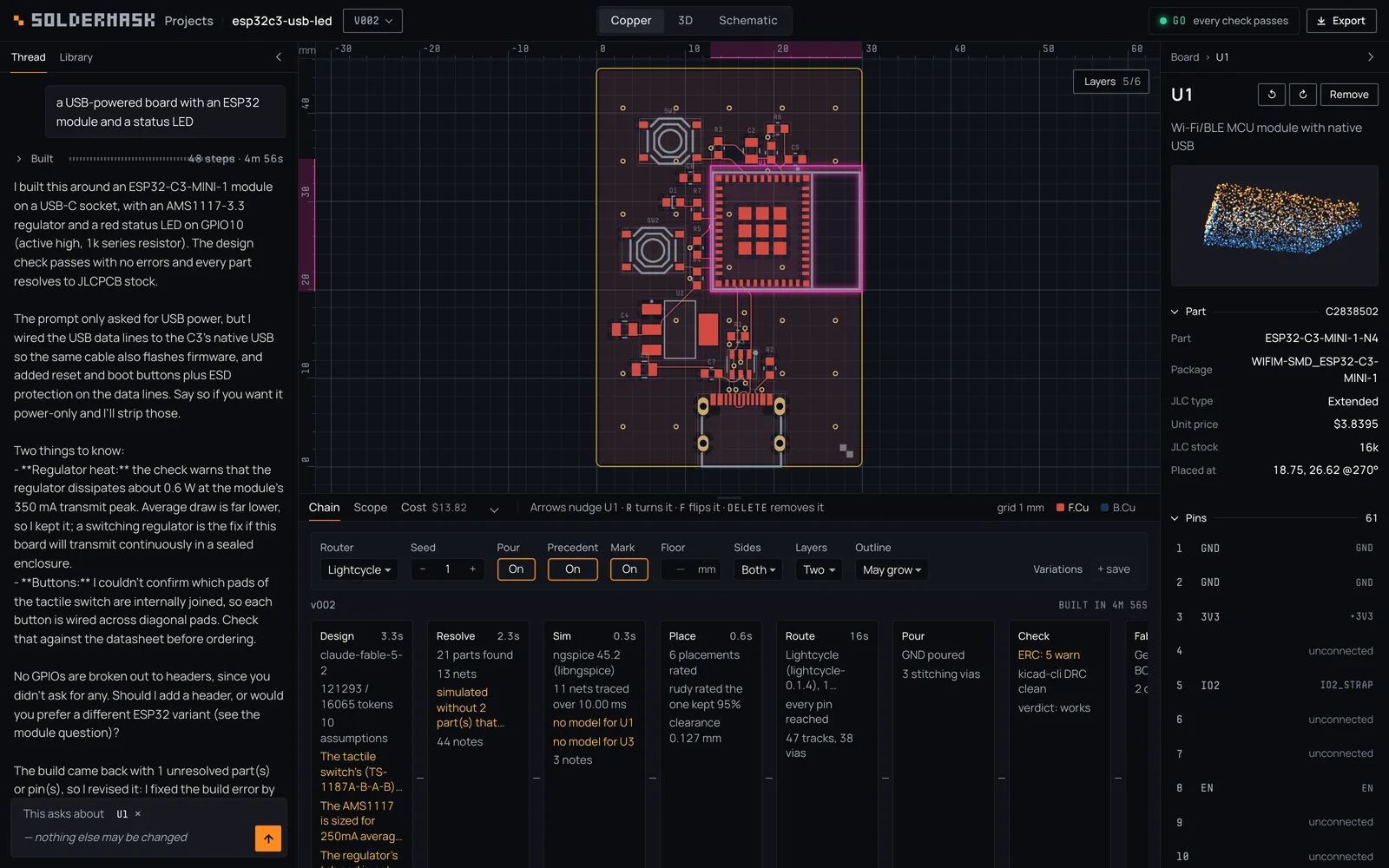
A board Claude designed in the app from one sentence: “a USB-powered board with an ESP32 module and a status LED”. 21 parts on 30 × 45 mm, routed by Lightcycle, verdict GO, 16 Nov 2026. Point at a name below to light its region.
ViewsOne board, three ways to read it.
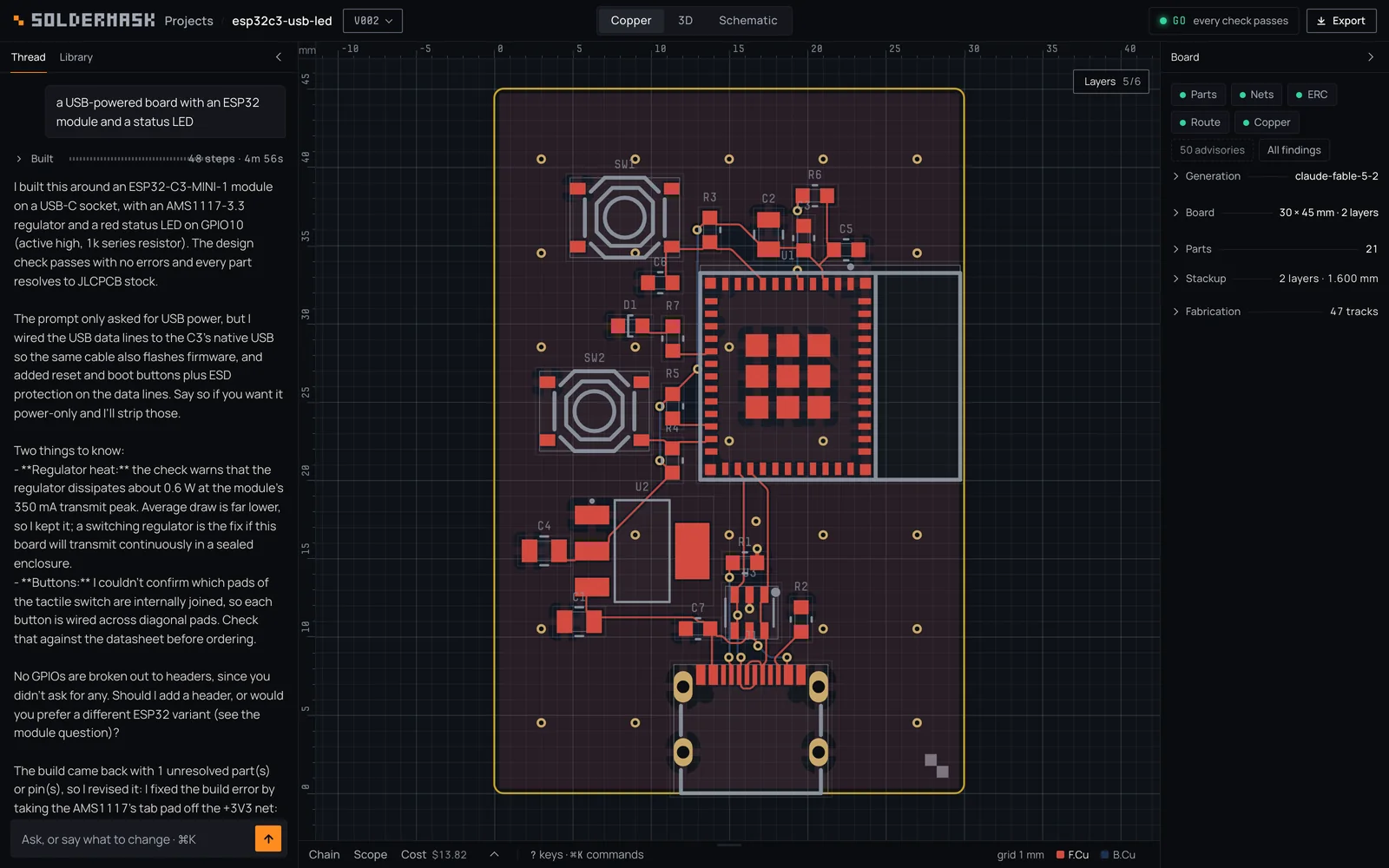
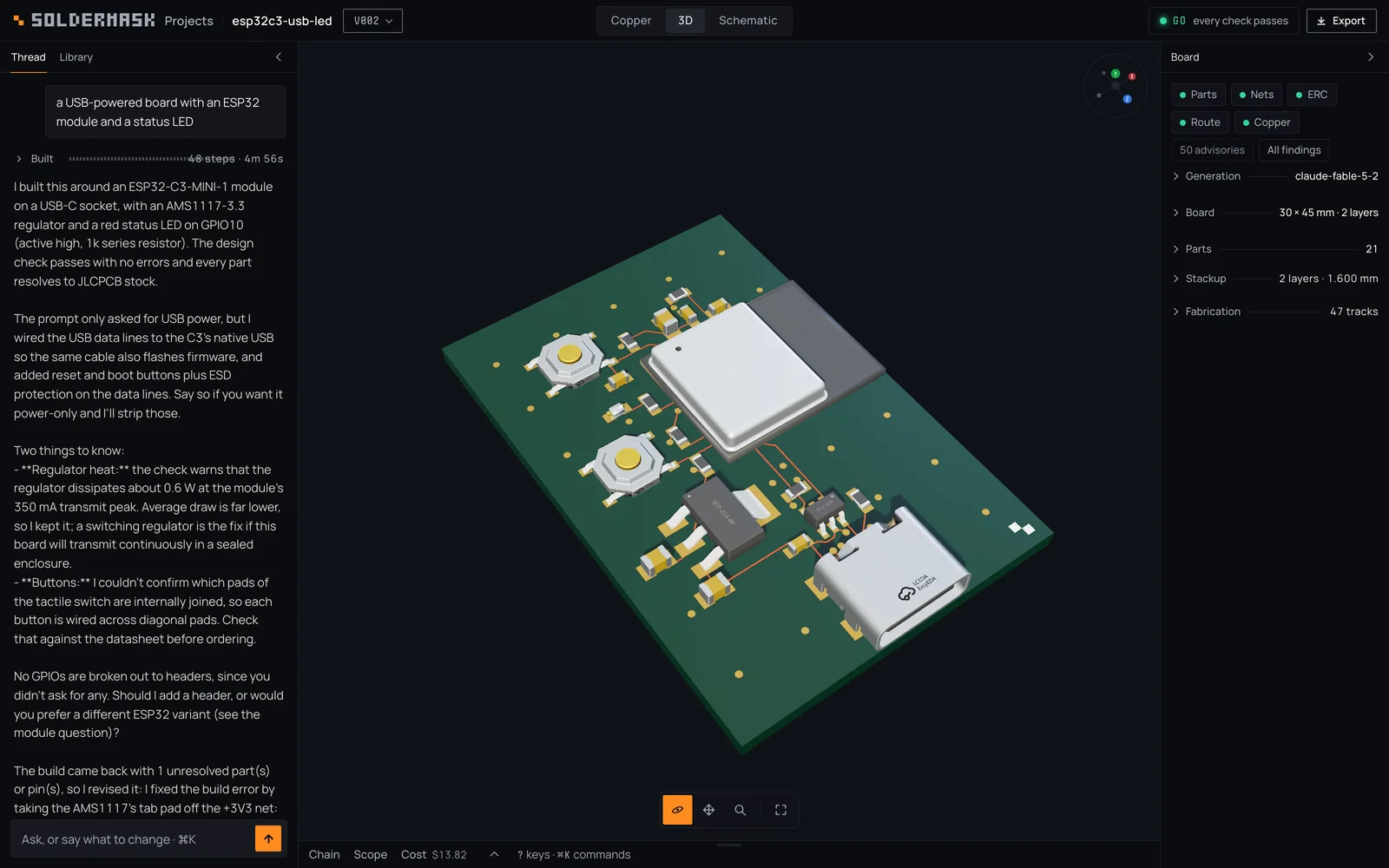
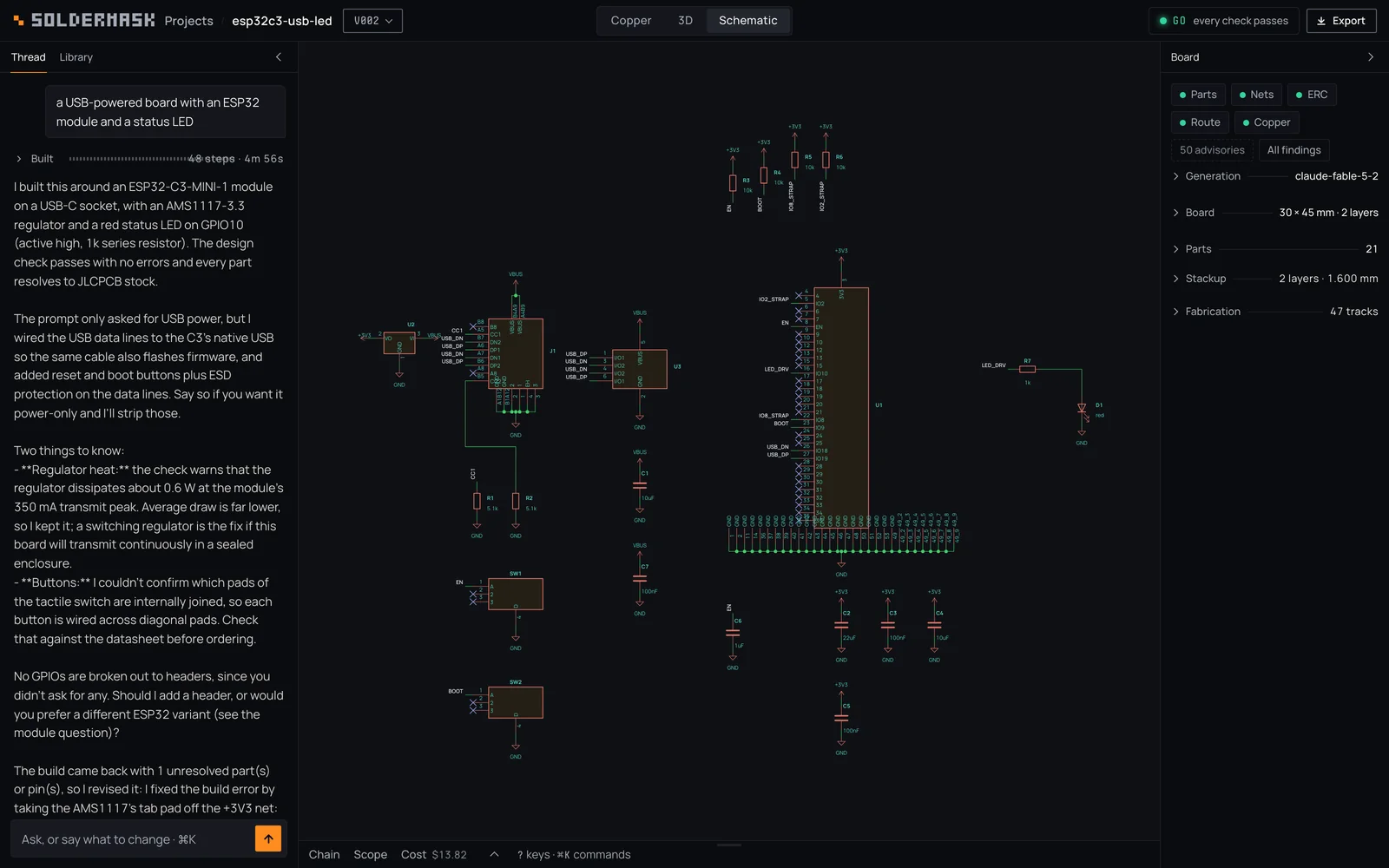
Press 1, 2 or 3 on this page, as in the app.
Take overAny stage is yours.
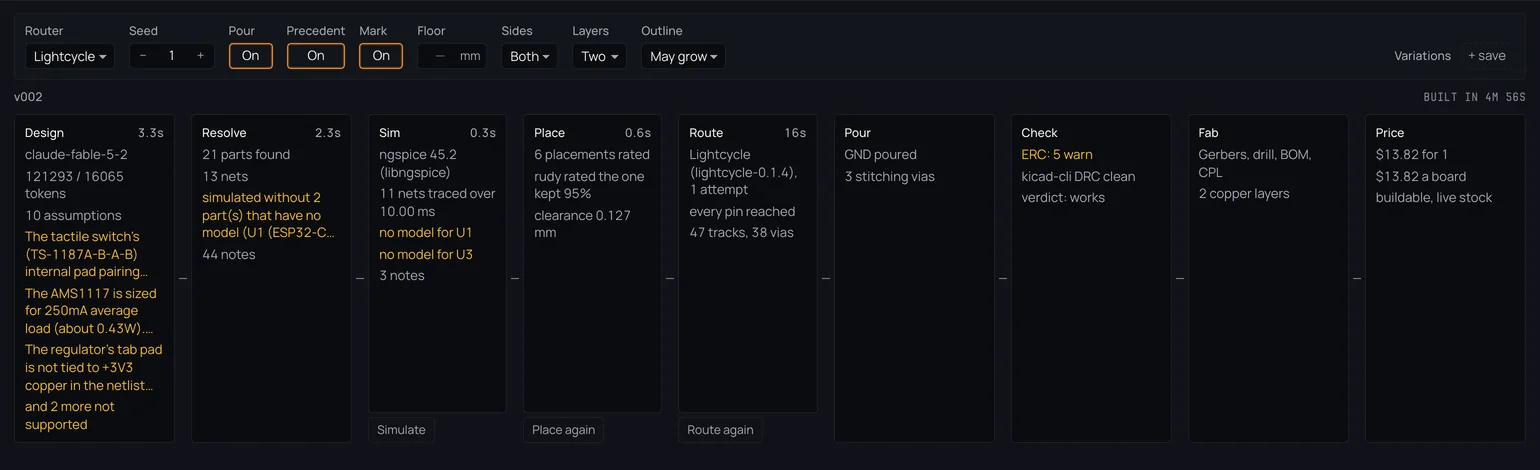
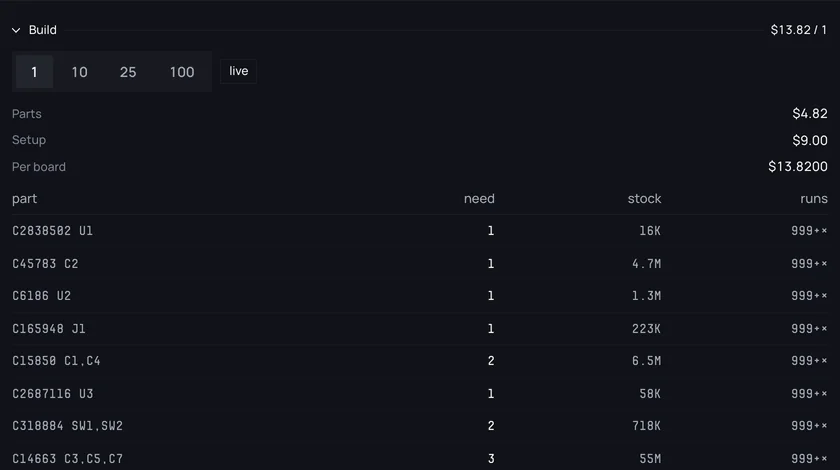
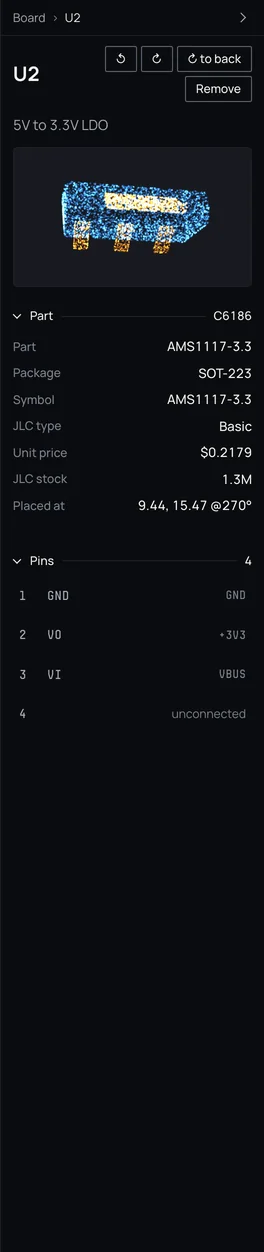
The threadAsk, or say what to change.
A sentence in
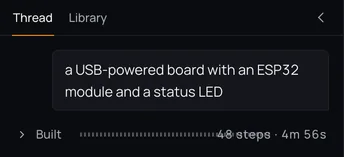
Your sentence, then the whole build folded into one line: 48 steps in under five minutes. One was a fix the designer made to its own first try.
A board out, and a question back
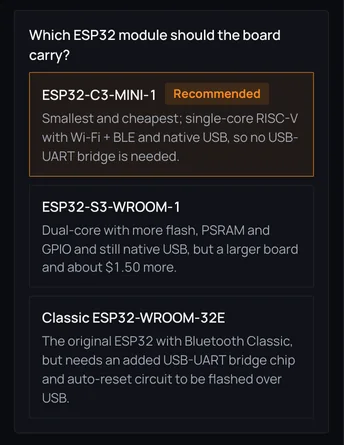
The designer is Claude by default. It says what it built and asks you about each real choice, with its best guess marked. Your answer becomes the next version, and every version is kept.
The pollOne word for whether it works.
GOEvery check passed.
NO-GOAt least one check failed. The board does not work as built.
UNJUDGEDNothing failed, but a check it needs did not run.
The bench uses the same rule, so the app’s verdict and our published 60 of 60 always agree. Click a failed check and the inspector says what to fix.
KeysYour hands stay on the keyboard.
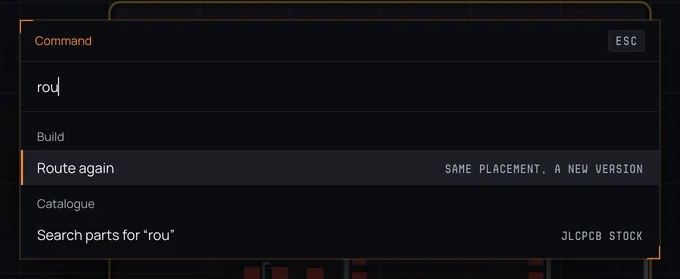
- ⌘K
- The command bar: parts, nets, findings, versions, and every action
- 123
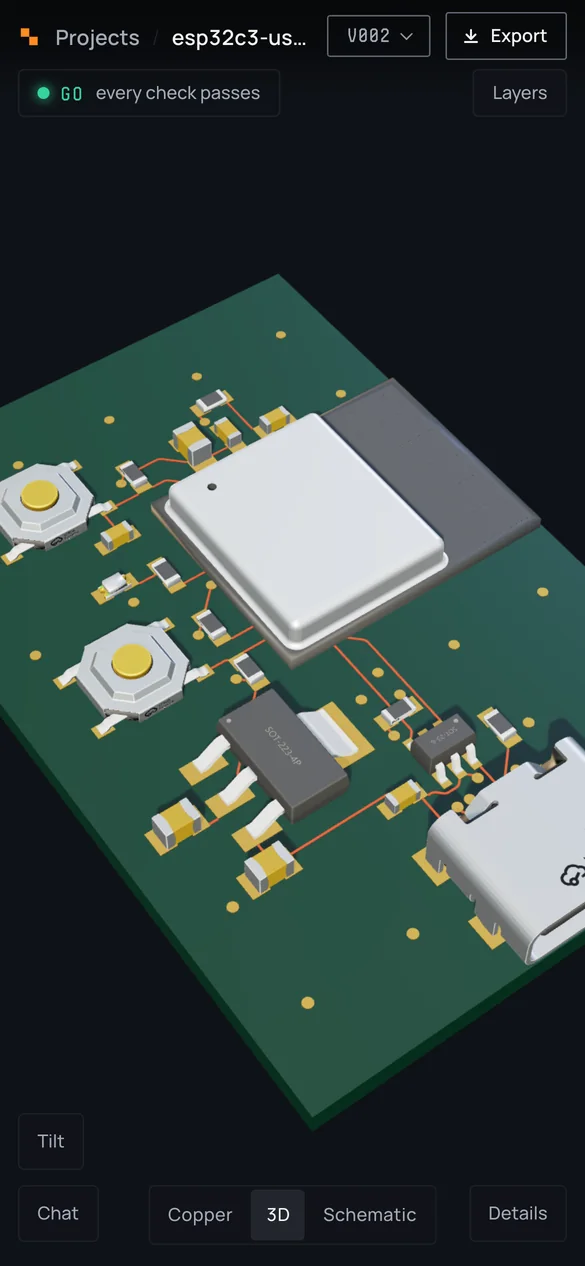
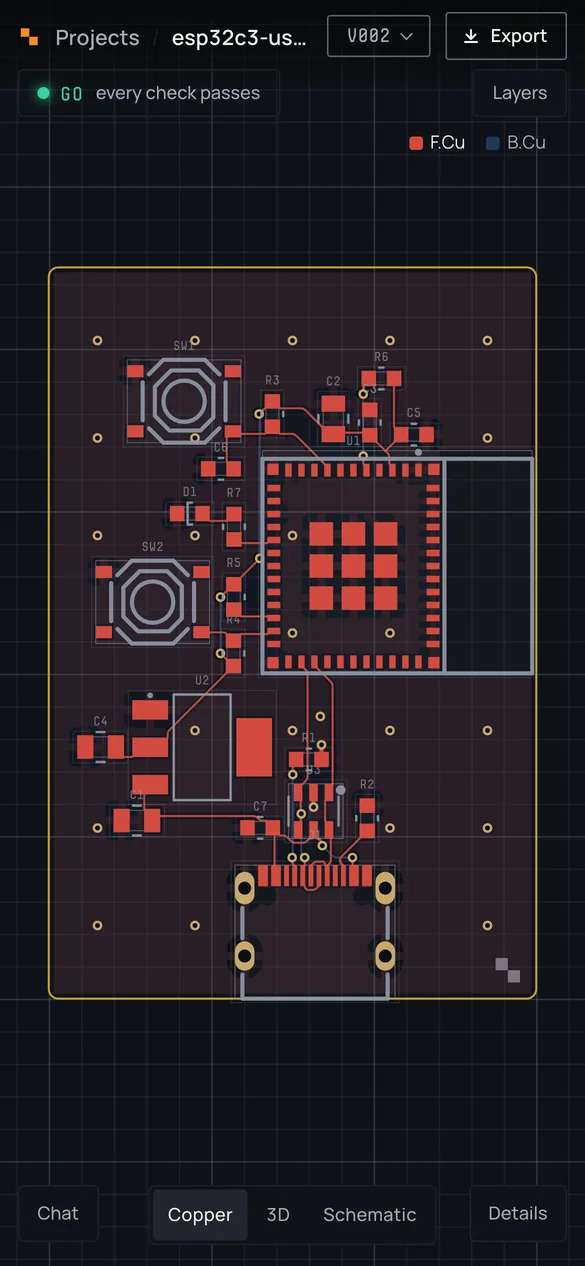
- Copper, 3D, schematic
- RF
- Turn the picked part, flip it to the other side
- X
- Draw tracks; V drops a via and carries on underneath
- N
- The next finding on the copper
- ⌘\
- The board alone, and back
- ⌘Z
- Undo a move
- ?
- Every key
On a phoneThe same board in your hand.
The workbench at phone width: the board in the middle, the details in a sheet. Open one project on two devices and they stay in step. Turn the 3D board on the desktop and the phone turns too. Tap a part on the phone and the desktop selects it.
Runs on your machine
$ soldermask setup
$ soldermask serve
The app runs on your machine, and your projects are folders on your disk. serve prints an address and a QR code, and your phone joins over your network.
Watch it
A tour of the workbench, from a sentence to fab files. Recorded 17 Sep 2026; the app has been redesigned since, and the pictures on this page are current.
Every stage,one screen.